
 admin
admin 
If you just bought ASM (or you’re close to buying it), the fastest way to waste it is to treat it like Netflix: watch a lot, do very little, and feel “busy” without moving forward.
This guide is a simple, execution-first plan for how to use Amazing Selling Machine without getting overwhelmed. You’ll get a setup checklist, a first 7 days sprint, a first 30 days implementation plan, and a weekly rhythm that makes coaching/community useful. It’s intentionally non-technical and doesn’t assume a specific tool stack or budget—just that you want momentum.
Quick navigation
- Start here: the 60-minute setup
- How to use Amazing Selling Machine in the first 7 days
- Your first 30 days: research → sourcing → listing prep
- Weekly rhythm (so coaching is actually useful)
- Common mistakes to avoid
- What to read next
Start here: the 60-minute setup (before you binge modules)
Your first hour should be about building a simple “execution system” so you don’t lose decisions in scattered notes. This matters more than which module you watch first.
Setup checklist (copy this into a doc)
- Create one project document: your single source of truth (shortlist, suppliers, decisions, next actions).
- Create a decision log: every major decision gets written down with a date and reasoning.
- Create a weekly plan: 3 blocks per week (Learn / Execute / Review).
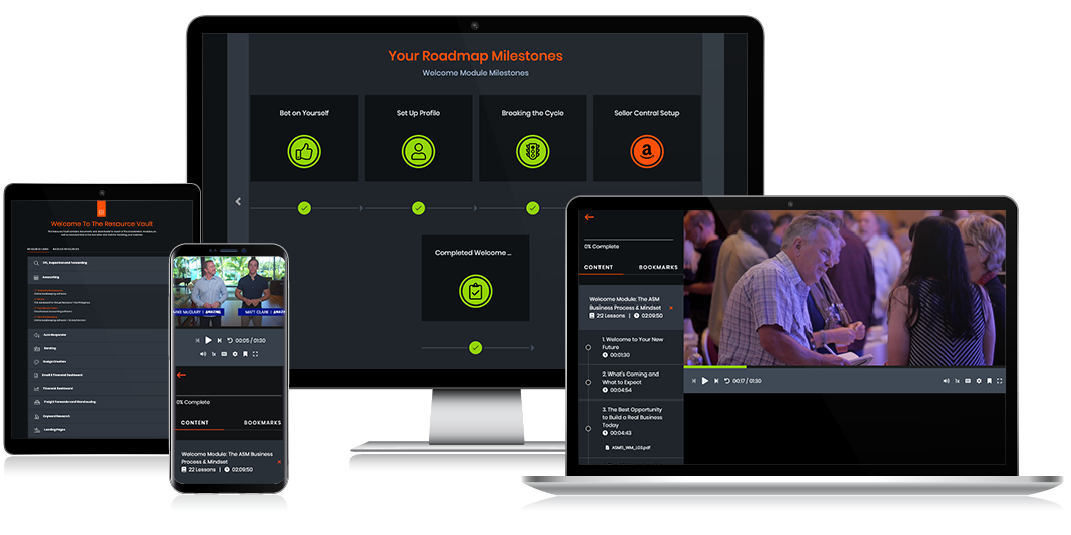
- Confirm where support lives: coaching call schedule, community, resource vault location.
- Set a milestone target: “Supplier samples requested” within 14 days (not “finished Module 3”).
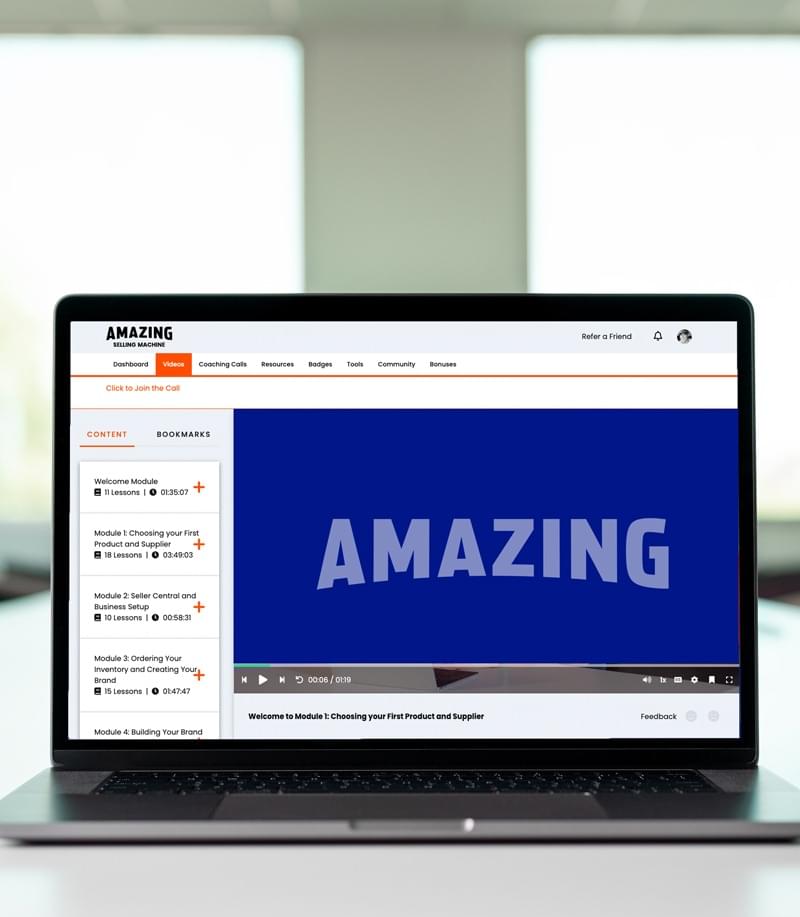
If you want the curriculum translated into week-by-week expectations (deliverables, not marketing bullets), read ASM includes what?
How to use Amazing Selling Machine in the first 7 days
The first week is a sprint, not a scavenger hunt. The goal is to create a defensible shortlist and start supplier conversations. That’s how you build momentum quickly—especially if you’re new.
Day 1–2: define constraints (so you stop browsing random products)
Write down constraints that reflect your real life:
- Size/weight limits you’re comfortable shipping and storing
- Price range and margin expectations (conservative, not best-case)
- Complexity tolerance (avoid products with fragile parts or high defect risk early)
- Competition tolerance (how crowded is “too crowded” for you?)
Day 3–4: build a shortlist (then narrow it fast)
Your job is to go from “ideas” to a shortlist you can act on:
- Start with 15–25 ideas
- Narrow to 5 by removing anything with obvious red flags
- Choose 2–3 finalists to validate deeper (listing quality, review themes, differentiation options)
Day 5–7: supplier outreach begins (don’t wait for perfection)
Beginners often delay outreach because they want to “learn more first.” In practice, supplier conversations are part of learning. By day 7, you should have outreach in motion and a sampling plan.
- Write one outreach template you can reuse
- Contact multiple suppliers per product (don’t fall in love with the first reply)
- Request samples and document differences (quality, responsiveness, pricing)
Video: Quick overview of how Amazon FBA works (helpful context as you move from learning to real execution).
Your first 30 days: research → sourcing → listing prep
In week one, you’re creating momentum. In weeks 2–4, you’re turning that momentum into irreversible progress: supplier decisions, sample evaluation, listing plan, and launch readiness.
Days 8–14: sampling + decision documents
Your job in this phase is to stop “thinking” and start “documenting”:
- A supplier comparison table (price, lead time, communication quality, sample quality)
- A differentiation plan (how your product is meaningfully better or more specific)
- A basic profitability sanity check (conservative assumptions)

Days 15–21: listing architecture + keyword intent (before you write copy)
Treat your listing as a conversion system. Before writing bullet points, map what the customer cares about:
- What problem is being solved?
- What objections show up in negative reviews on competing listings?
- What must be proven through images, not words?
- Which keywords signal “ready to buy” intent vs casual browsing?

Days 22–30: launch checklist + PPC basics (keep it controlled)
You don’t need to be an ads expert in month one, but you do need to avoid the classic beginner mistake: “turn ads on and hope.” Your goal is a simple, controlled testing loop:
- Start with a small number of campaigns you understand
- Track search terms and add negatives early
- Adjust bids and budgets based on data, not panic

A weekly rhythm that makes ASM work (and keeps you sane)
If you take nothing else from this guide on how to use Amazing Selling Machine, take this: set a weekly rhythm that forces you to execute.
Simple weekly rhythm (3 blocks)
- Block 1 — Learn (60–90 minutes): watch only what you need for your next deliverable.
- Block 2 — Execute (2–4 hours): produce outputs (shortlist, supplier outreach, listing draft, PPC structure).
- Block 3 — Review (30 minutes): update your decision log, identify the next bottleneck, prep questions for coaching.
Coaching is most useful when you bring two options and a decision you need help making. If you show up asking “what should I sell?”, you’ll get generic answers because the question is generic.
Common mistakes (and the simple fixes)
Mistake #1: trying to “finish the course” before starting
Fix: only watch content that unlocks your next action. Treat modules like references, not like a TV series.
Mistake #2: waiting for perfect product confidence
Fix: decide with incomplete information, then validate quickly through supplier outreach and samples.
Mistake #3: ignoring budget reality
Fix: separate “training cost” from “launch cost.” If your budget can’t fund samples, inventory, shipping, and testing, pause and choose a lower-risk learning path first.
Mistake #4: misunderstanding refund timing
Fix: if you’re buying ASM and you care about the guarantee, read the refund checklist early and set reminders inside the window.
What to read next
- If you want deliverables explained in detail: ASM includes what?
- If you’re a true beginner and want a fit check: ASM for beginners
- If you want the fit-based verdict: Amazing Selling Machine review
- If you want the full hub with comparisons and next paths: Amazing Selling Machine (ASM)
Final note: the best outcome from ASM isn’t “I completed all modules.” It’s “I made better decisions faster, and I shipped a real product.” Use this plan, keep your weekly rhythm, and you’ll avoid the most common failure mode: consuming content without creating momentum.