
 admin
admin 
There are two kinds of content tools you buy.
The first kind is impressive. Polished UI, lots of modules, a sense that you’re stepping into a “system.” You open it, explore for a week, and then—quietly—your workflow drifts back to Google Docs.
The second kind is less glamorous, but it gets opened on Tuesday. And Wednesday. And the following month. It fits the way you already work, and it reduces the specific friction that keeps happening: missing the SERP’s obvious sub-questions, rewriting after publishing, or watching a competitor outrank you with content that’s not better—just more complete.
This guide compares NeuronWriter vs Surfer SEO as content editors/optimizers. It’s not a “winner” post. It’s a fit post. By the end, you should know which tool is more likely to stick in your routine—and which one you’ll regret paying for.
NeuronWriter vs Surfer SEO: a quick video comparison if you want the “feel” before the details.
Quick links
- NeuronWriter review (workflow fit)
- NeuronWriter pricing (plans + trial + refund)
- NeuronWriter lifetime deal (tiers + break-even thinking)
- NeuronWriter semantic SEO workflow (use terms naturally)
NeuronWriter vs Surfer SEO (quick verdict by persona)
If you’re trying to decide in under five minutes, don’t start with feature lists. Start with the person who will actually use the tool on a normal week.
| Persona | Pick NeuronWriter when… | Pick Surfer SEO when… |
|---|---|---|
| Solo blogger / niche site builder | You want a lighter editor you’ll open often, and you like the idea of a lifetime option later. | You want a more established on-page editor workflow and don’t mind a subscription-first model. |
| Small SEO team | You need a clear, repeatable checklist for writers and you care about workflow speed (including integrations). | You want a structured content editor approach with strong guidance conventions and team routines. |
| Agency | You’re cost-sensitive across many clients and want a tool writers won’t resist using. | You value a more polished suite ecosystem and your pricing model supports ongoing subscriptions. |
| High-volume publisher | You want “good enough” guidance fast and a workflow that reduces rework at scale. | You want deeper editorial guardrails and consistent scoring frameworks across many pages. |
| Automation / builder | You care about BYOK and API-style workflow integrations inside your system. | You’re optimizing within a more guided UI-first editor workflow (less about automation). |
Now let’s earn that table with specifics.
Workflow differences (editor, scoring, drafting)
At a high level, both tools sit in the same category: SERP-driven content optimization tools. They look at what’s ranking, translate patterns into guidance, and help you adjust your draft toward stronger topical coverage.
The difference is how the guidance lands in your hands—what you see first, what you can ignore safely, and how likely you are to finish a draft without the tool becoming the boss of your writing.
1) The “start point”: what happens right after you choose a keyword?
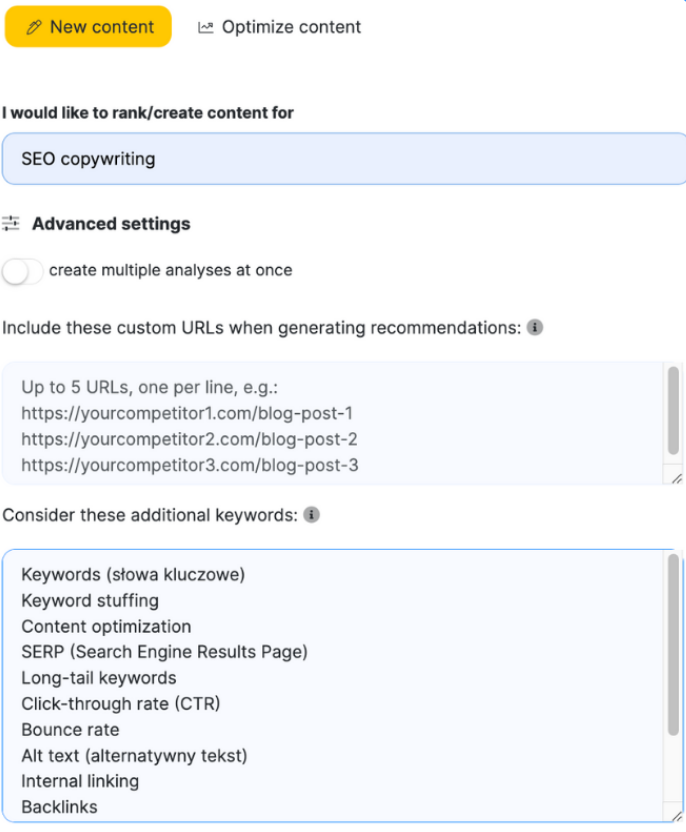
NeuronWriter tends to feel like: “Here’s the SERP landscape; here’s what competitors cover; here’s your coverage checklist.” That makes it easy to move from research into outlining without feeling like you’ve entered a cockpit.
Surfer (via Content Editor) tends to feel like: “Here’s a structured set of guidelines and a Content Score approach.” It’s more prescriptive in the way many teams expect from an established on-page editor.
If you’re a writer who prefers constraints (clear targets, clear guardrails), Surfer’s style often feels reassuring. If you’re a writer who dislikes being micromanaged by a tool, NeuronWriter’s lighter touch can feel more usable.
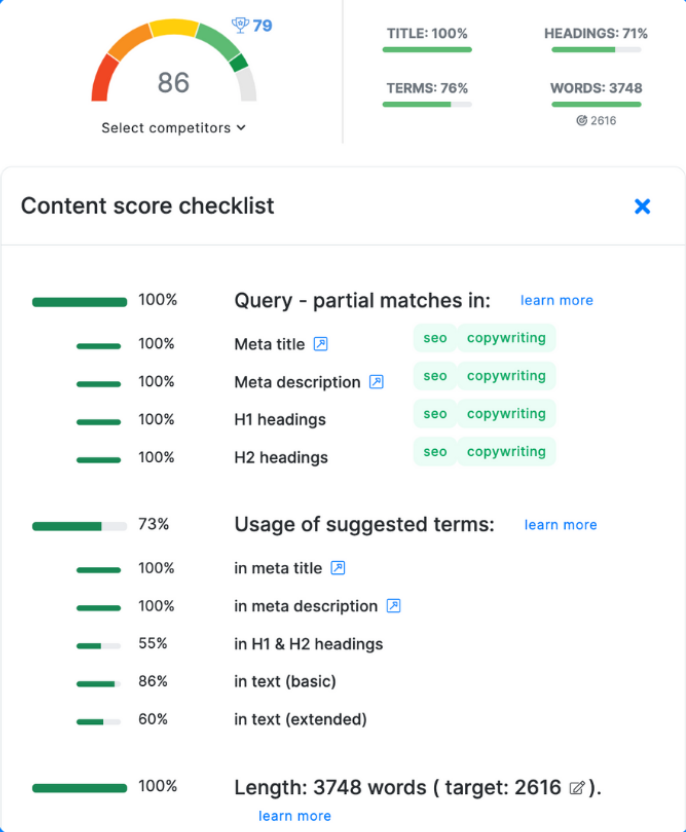
2) Scoring: helpful feedback or a trap?
Both tool families use scoring/checklists to make optimization measurable. In real life, scoring is a double-edged sword:
- It helps teams align on “what done looks like.”
- It also tempts people to add paragraphs that exist for the score, not the reader.
Here’s the rule that keeps content human: only chase a score when the change improves clarity. If adding a term forces awkward phrasing, skip it. If adding a section answers a natural question, keep it—even if the tool didn’t beg for it.
3) Drafting: AI help vs editorial control
AI drafting features are everywhere now. The problem isn’t access; it’s control. You don’t need “more paragraphs.” You need the right sections, in the right order, with the right level of explanation for your audience.
NeuronWriter’s strength here is that it can support a workflow where AI assists the early stages (outline/draft acceleration), but the editor and coverage suggestions still encourage a human revision pass. Surfer’s ecosystem often emphasizes guidelines and optimization targets to keep drafts aligned with what ranking pages tend to do.
Either way, the real quality jump happens when you do one thing that AI won’t do for you automatically: decide what to leave out. That’s where content stops feeling like a stitched-together average of competitors.
4) Collaboration: handoffs matter more than features
Most teams don’t lose time in the “writing” step. They lose time in handoffs:
- Writer finishes draft → editor asks for missing sections → writer rewrites → SEO asks for term coverage → writer rewrites again.
- Or: content gets optimized in one tool but published elsewhere with broken headings and missing formatting.
When a tool reduces the number of back-and-forth loops, it pays for itself. The best tool is usually the one that makes expectations visible early in the process, before the draft is emotionally “finished.”

Where NeuronWriter is meaningfully different
To keep this honest, I’ll focus on differences that show up in day-to-day use—not marketing bullets.
1) “Lighter” can be a feature
Some tools win because they do more. Others win because they do enough without becoming a project. NeuronWriter can feel more like the tool you open daily because the learning curve and the workflow overhead stay reasonable.
If you’re a solo operator, that matters. The best editor is the one you use consistently, not the one with the most settings.
2) Integrations and the “last mile” problem
If your workflow ends in WordPress (or involves moving content between editors, CMS, and analysis tools), integrations become part of “content velocity.” Not speed typing—speed shipping.
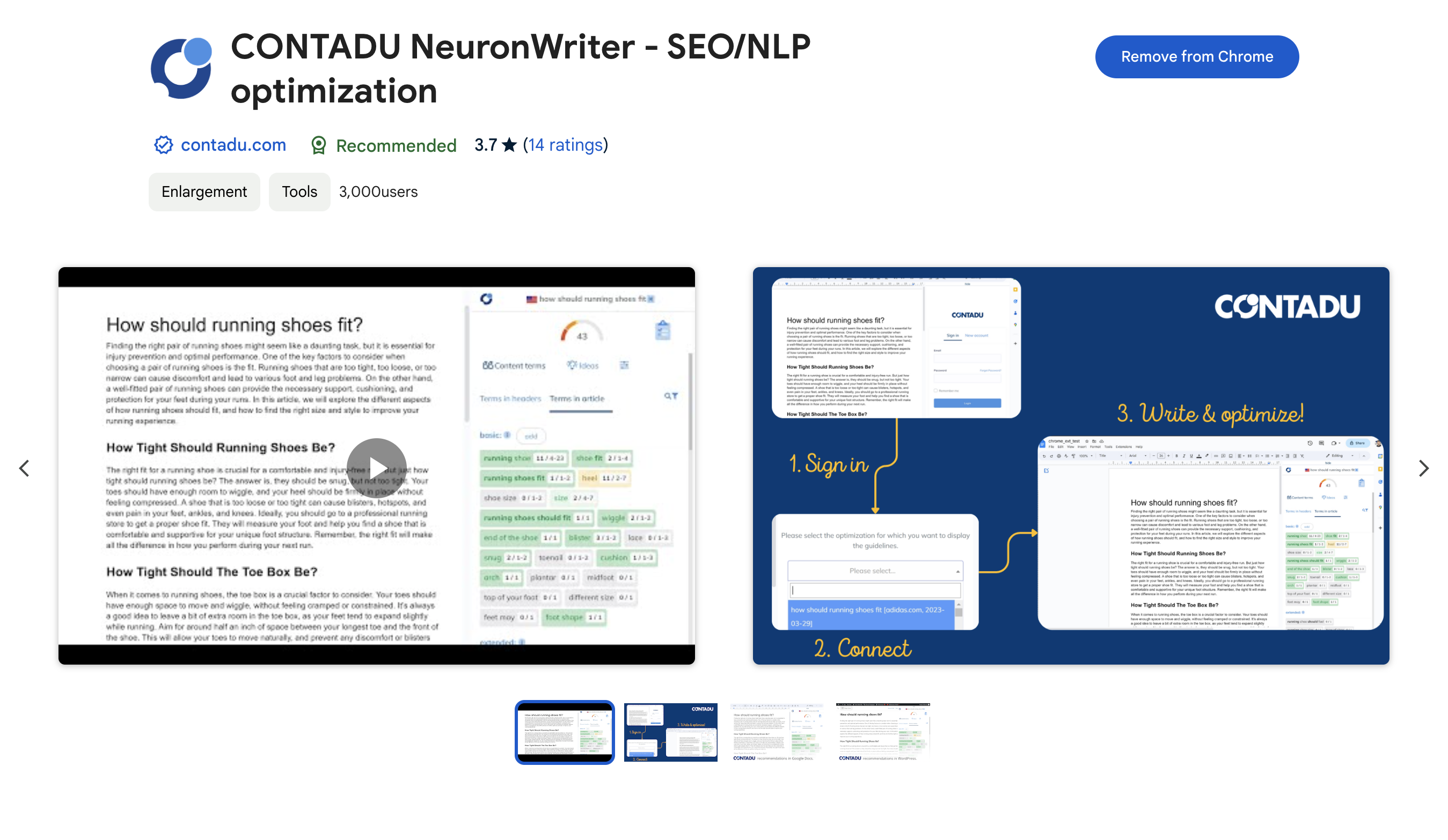
NeuronWriter highlights integrations like WordPress import/export, Google Search Console insights, a Chrome extension for common writing environments, and automation connectors. That matters for teams that are tired of copy/paste and formatting drift.
3) The lifetime deal changes the buying psychology
This is where the comparison becomes less technical and more human.
Surfer is typically approached as a subscription-first tool (check the current offer on the official page). NeuronWriter, by contrast, is often considered alongside its lifetime deal option. That changes the question from “Is it worth paying every month?” to “Will we still be using this in six months?”
If you’re the kind of person who cancels tools out of guilt, a lifetime option can remove that mental tax. If you buy lifetime hoping it will create consistency, it can backfire. The tool doesn’t create the habit. It rewards it.
Pricing & value (when lifetime changes the math)
We’re not going to play the “exact pricing comparison” game here because pricing changes. Instead, think in value models:
Surfer SEO: value model
- Subscription logic: you’re paying for ongoing access to the editor/guidelines framework.
- Best fit: teams that want established content editor routines and don’t mind recurring billing as long as output stays steady.
NeuronWriter: value model
- Subscription logic: similar—pay for monthly capacity and features.
- Lifetime logic: pay once, then operate within monthly reset limits (while projects/folders are fixed by tier).
If you want the NeuronWriter specifics, don’t guess—use these:
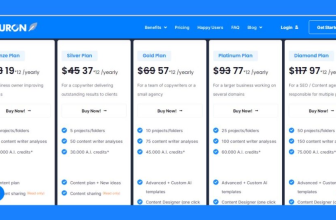
- NeuronWriter pricing (plan gating, trial, refund, capacity)
- NeuronWriter lifetime deal (tiers + what resets monthly)
One practical way to decide:
- Estimate how many pages you optimize per month (not “wishful you,” real you).
- Estimate how many projects/sites you manage now—and what that looks like in 6–12 months.
- Pick the tool whose pricing model you won’t resent when you’re tired.
That last line sounds small, but it’s usually the deciding factor.
Decision table: solo, agency, high volume, automation
Here’s the most practical breakdown I can give without pretending there’s one right answer.
Solo (1–2 sites)
- Choose NeuronWriter if you want a lighter editor workflow and you like the idea of a lifetime option once you’re confident you’ll use it.
- Choose Surfer if you want a more structured editor environment and you’re comfortable with ongoing subscription costs.
Agency (multiple writers, multiple clients)
- Choose NeuronWriter if your agency is cost-sensitive across many clients and you want a tool writers won’t avoid using.
- Choose Surfer if you value a more established on-page ecosystem and your margins are built around recurring software subscriptions.
High-volume publisher (content operations)
- Choose NeuronWriter if you want quick, repeatable coverage guidance and you’re building a “ship + refresh” engine.
- Choose Surfer if your team thrives on consistent guidelines and you want a more prescriptive scoring framework to keep quality stable at scale.
Automation / API / builder workflows
- Choose NeuronWriter if you care about automation pathways and cost control methods like BYOK (depending on your plan). See the deeper pages: NeuronWriter API and NeuronWriter OpenAI key (BYOK).
- Choose Surfer if you prefer staying inside a UI-first editor workflow rather than building tooling around it.
If you’re still torn, don’t decide by “which tool seems smarter.” Decide by which workflow reduces the specific pain you keep repeating. That pain is usually one of these:
- Missing subtopics and rewriting after publishing
- Inconsistent quality across writers
- Slow publishing handoffs (Docs → CMS → final formatting)
- Subscription fatigue (paying for tools you’re not using consistently)
How to choose in 30 minutes (a calm test)
If you want a fast, low-drama decision, do this:
- Pick one real keyword you actually want to publish for.
- Look at the SERP and list 5 sub-questions the top results answer.
- Draft a simple outline that answers those questions in your voice.
- Then choose the tool that helps you improve that outline without turning it into a robotic essay.
For NeuronWriter, the cleanest guided approach is the trial workflow: NeuronWriter free trial guide. It’s designed to end with a decision, not a “pretty good” feeling.
If you want a quick overview of NeuronWriter’s editor and workflow, this video is useful: NeuronWriter vs Surfer SEO: seeing the NeuronWriter editor makes the “fit” decision easier than reading feature lists.
Check NeuronWriter pricing Compare the lifetime deal Go to NeuronWriter