 admin
admin 
Pricing pages are where good tool decisions go to die—mostly because the numbers look “close enough,” so people guess. Then they either overpay for capacity they never use, or underbuy and hit limits right when the workflow finally starts to click.
This guide breaks down NeuronWriter pricing in a way you can actually decide: monthly vs yearly, what each plan is meant for, what’s gated behind Gold+, and how to use the NeuronWriter free trial and refund window to reduce risk. I’ll also show when the lifetime deal starts to make sense—without pretending the math is universal. https://www.youtube.com/embed/zAXWIEvNKUE NeuronWriter pricing: watch the workflow first, then pick a plan based on how often you’ll publish.
Last checked: March 1, 2026. NeuronWriter pricing and limits can change, so treat this as a decision guide based on the current official plan structure.
NeuronWriter pricing (quick overview)
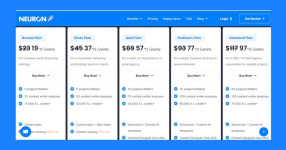
NeuronWriter offers five subscription plans: Bronze, Silver, Gold, Platinum, and Diamond. The difference is less about “better SEO” and more about capacity (projects, analyses, AI credits) plus access to advanced workflow features on higher tiers.
Monthly pricing (USD)
| Plan | Monthly | Who it’s for | Key capacity highlights |
|---|---|---|---|
| Bronze | $23 / month | Solo site owners getting consistent | 2 projects, 25 analyses, 15,000 AI credits |
| Silver | $45 / month | Writers shipping for clients | 5 projects, 50 analyses, 30,000 AI credits |
| Gold | $69 / month | Small teams / small agencies | 10 projects, 75 analyses, 45,000 AI credits |
| Platinum | $93 / month | Multiple sites or higher volume | 25 projects, 100 analyses, 60,000 AI credits |
| Diamond | $117 / month | Agencies handling many projects | 50 projects, 150 analyses, 75,000 AI credits |
Yearly billing (effective monthly, USD)
Yearly pricing is listed as the effective monthly rate billed annually:
| Plan | Yearly (effective monthly) | What changes |
|---|---|---|
| Bronze | $19 / month (billed yearly) | Same plan limits; lower cost |
| Silver | $37 / month (billed yearly) | Same plan limits; lower cost |
| Gold | $57 / month (billed yearly) | Same plan limits; lower cost |
| Platinum | $77 / month (billed yearly) | Same plan limits; lower cost |
| Diamond | $97 / month (billed yearly) | Same plan limits; lower cost |
What’s actually gated by plan (the part people miss)
If you only look at analyses and AI credits, you can end up picking the wrong tier. The practical breakpoint is usually Gold, because that’s where NeuronWriter starts bundling workflow features many teams care about:
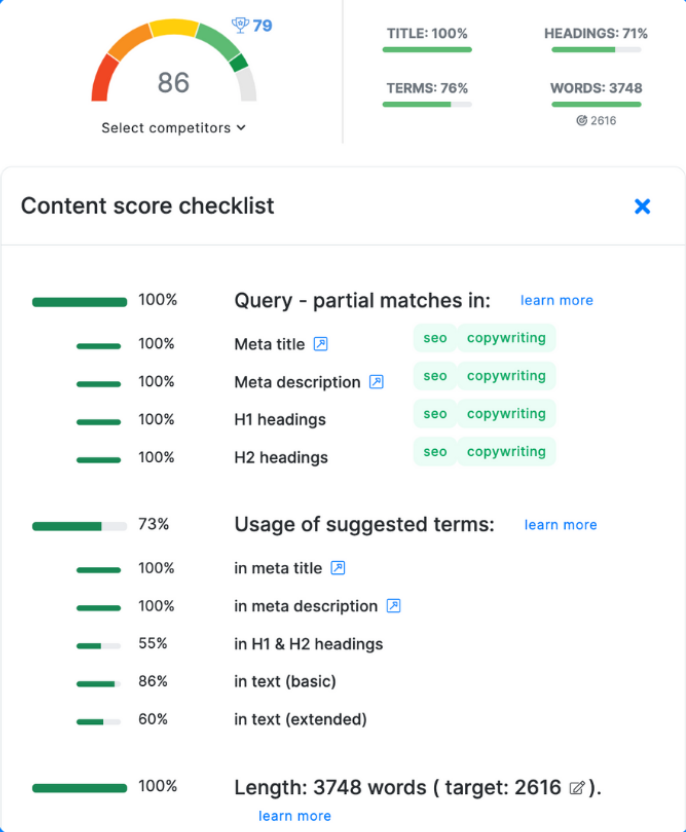
- Integrations (GSC, WordPress, Shopify)
- Plagiarism checks
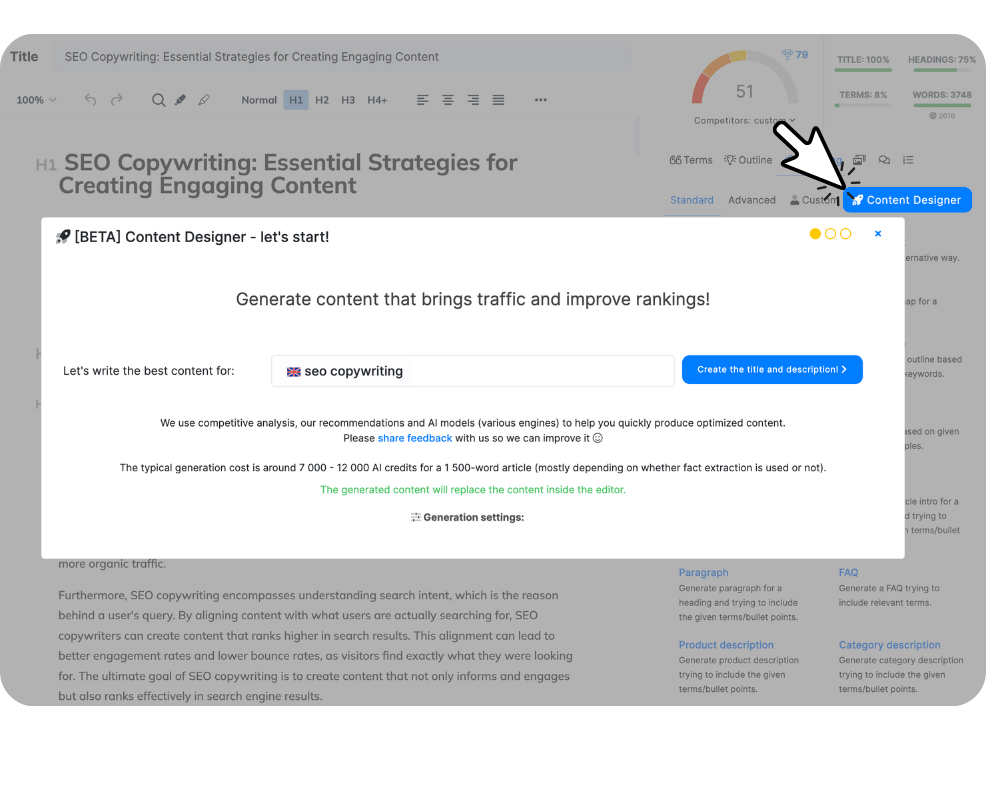
- Advanced/Custom AI templates + Content Designer
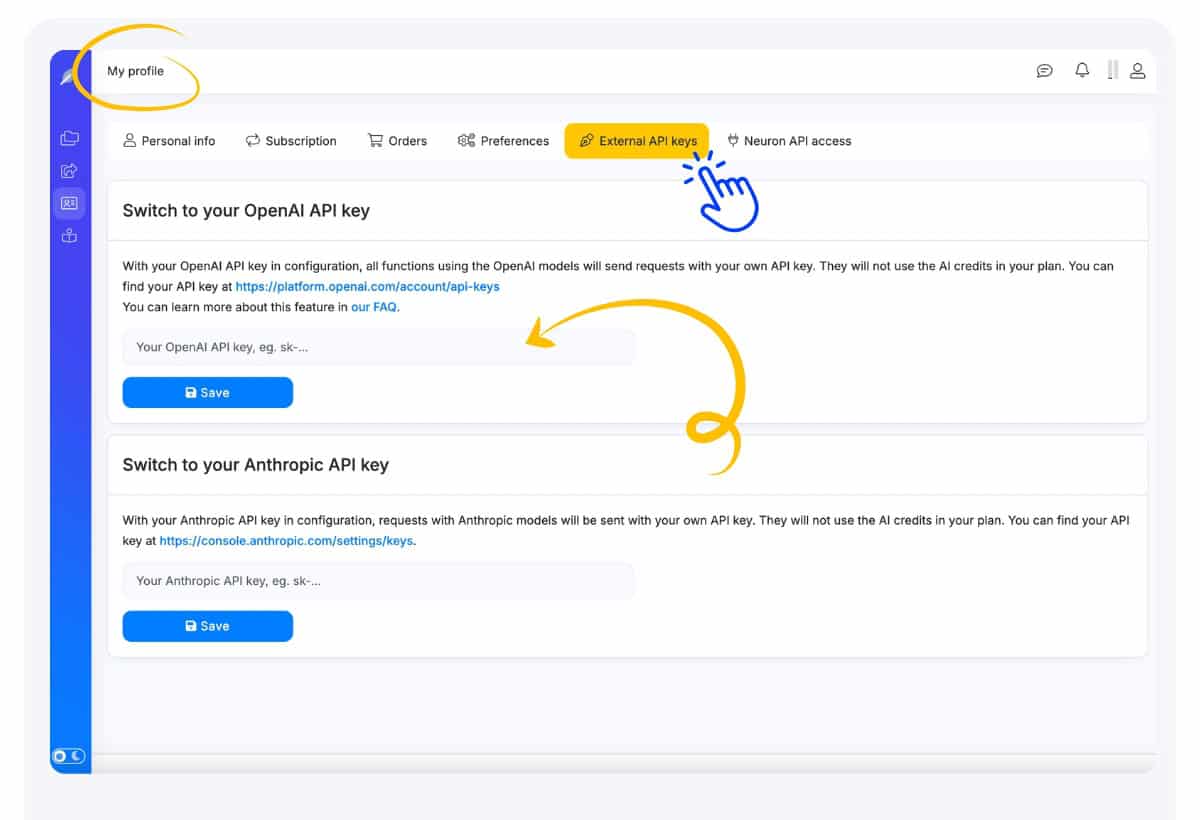
- BYOK (use your own OpenAI key)
- NeuronWriter API access
If any of those are must-haves, don’t spend hours trying to “make Silver work.” Start your comparison at Gold and move up only if you truly need more projects/analyses.
NeuronWriter free trial + refund policy (risk control)
Two things make NeuronWriter easier to test honestly:
- 7-day free trial for new users (trial aligns with Gold plan features).
- 30-day refund window for the first plan purchased on your account (new users).
Here’s the part that matters: a trial is only useful if you run it like a mini project. Otherwise you’ll spend seven days clicking around, feel “kind of impressed,” and still not know if it belongs in your weekly routine.
What to test in the 7-day trial (a practical checklist)
- Pick one keyword you actually want to publish for. Not a throwaway test keyword.
- Run the competitor scan. Look for patterns in headings and missing subtopics.
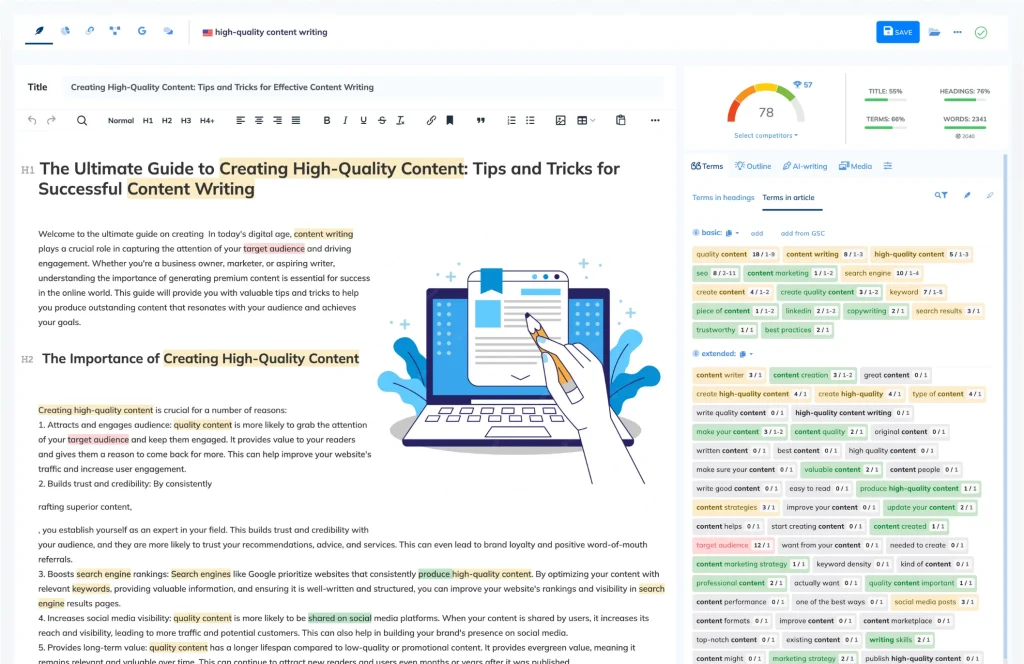
- Draft (or refresh) inside the editor. Use suggestions to improve clarity: definitions, comparisons, steps, examples.
- Stop before it becomes bloated. Your goal is “complete,” not “long.”
- Decide one thing: would you do this again next week?
If you want a structured day-by-day plan, use: NeuronWriter free trial guide. It’s designed to end with a decision, not a vibe.

Refund policy note: a refund window is not a reason to buy impulsively. It’s a reason to test confidently. Be deliberate: keep notes on what felt faster, what felt distracting, and whether the editor improved your coverage without making the writing feel robotic.
When lifetime deal beats monthly
The lifetime deal question usually appears after you’ve had a good first week. You run a couple analyses, the outline becomes clearer, and the editor catches the gaps you normally discover too late. That’s when subscription starts to feel like a “tax” on a workflow you actually want.
Here’s a simple break-even way to think about it—without fake precision:
- Subscription wins if your publishing cadence is uncertain, your project count changes often, or you’re still figuring out whether you’ll use the tool consistently.
- Lifetime tends to win if you already publish regularly, you expect to keep optimizing old posts, and you want to remove the monthly “am I still using this?” mental friction.
One important detail on lifetime plans: some limits reset monthly (like analyses and AI-related allowances), while projects/folders are tier-based. That difference matters if you manage many sites or clients.
Go deeper here: NeuronWriter lifetime deal (tiers + what resets monthly + buying checklist).

My quick plan picks (by persona)
- 1–2 sites, consistent publishing: start at Bronze or Silver, but move to Gold if you need integrations/BYOK/API.
- Small team / agency with multiple writers: Gold is often the “real” starting point because workflow features matter more than tiny price differences.
- Agency with many clients: Platinum/Diamond when projects and analyses are the limiting factor, not the editor features.
Compare the NeuronWriter lifetime deal Go to NeuronWriter
Helpful references (outbound)
Next: If you haven’t yet, read the NeuronWriter review for workflow fit, then use the trial plan to make the decision real.