 admin
admin 
If you’re Googling how to use Frase, you’re probably in one of two situations: you just started a trial and the interface feels like “a lot,” or you’ve watched a few demos and still don’t know what you should actually do first.
This guide is the practical path. Not a feature tour. A repeatable beginner workflow that takes you from keyword → brief → draft → optimization, with the judgment calls clearly labeled (because that’s where most people get tripped up).
One observed reality: most “AI SEO” tools don’t fail because they’re inaccurate. They fail because teams don’t build a habit around them. If you want Frase to be worth it, you need a simple workflow you can repeat every week.
What Frase is (and what it’s not) in one minute
Before you click anything, set expectations correctly.
- Frase is best as a workflow tool for SERP research, content briefing, outlining, and optimization guidance.
- Frase is not a replacement for strategy (angle, positioning, what makes your content worth reading).
- Frase is not “publishable AI writing” by default. It can help you draft, but you still own accuracy, specificity, and editorial quality.
My stance: Frase is most valuable when it reduces the “blank page + SERP research” tax and makes your content more complete without turning it into checklist writing.
Beginner workflow overview (the loop you’ll repeat)
- Pick the right keyword (and match the page type to the SERP).
- Run SERP research and pull out questions and patterns.
- Generate a content brief and shape the outline with human judgment.
- Draft and edit (AI optional, not required).
- Optimize with restraint (checklist, not a score chase).
- QA before publishing (intent, clarity, accuracy, usefulness).
The narrative turn most beginners need: the goal is not to “use every feature.” The goal is to ship one genuinely useful page faster and with fewer misses.
Step 1: Start with the right keyword (and don’t fight the SERP)
Frase can’t fix a mismatched page type. If the query is commercial and the top results are product pages, writing a long informational guide may be an uphill battle no matter how “optimized” your text is.
A quick beginner checklist
- Check the intent: are top results guides, listicles, product pages, tools, or forums?
- Match your format: don’t write an essay for a SERP that rewards product comparisons (and vice versa).
- Be honest about competition: if the SERP is dominated by major brands, your angle and proof need to be stronger than “we covered the same topics.”
If you’re still evaluating whether Frase fits your overall workflow (not just “how to use it”), you can sanity-check that here: see whether Frase fits your workflow.
Step 2: Run SERP research and question discovery (use Frase to remove the blank-page tax)
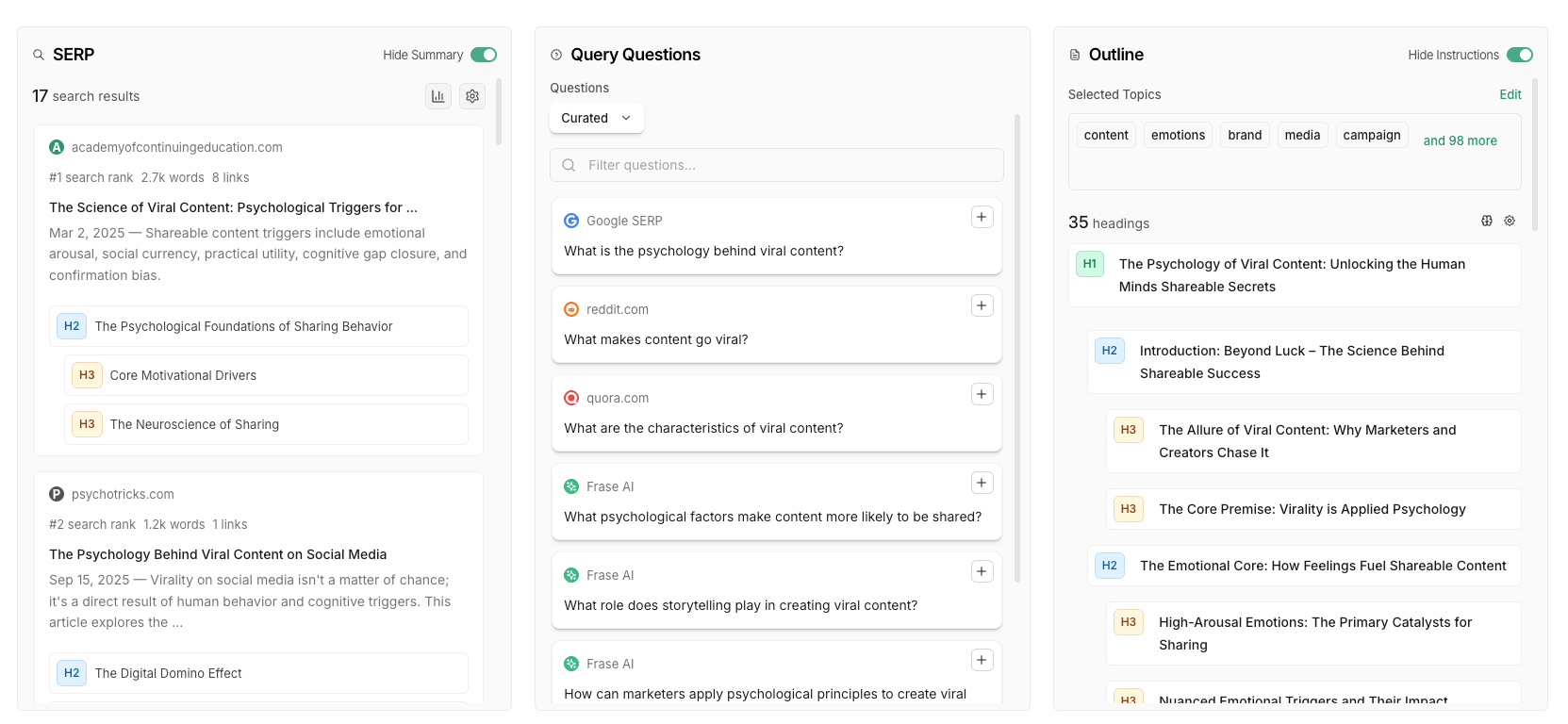
This is where Frase tends to feel immediately useful. You’re looking for three things:
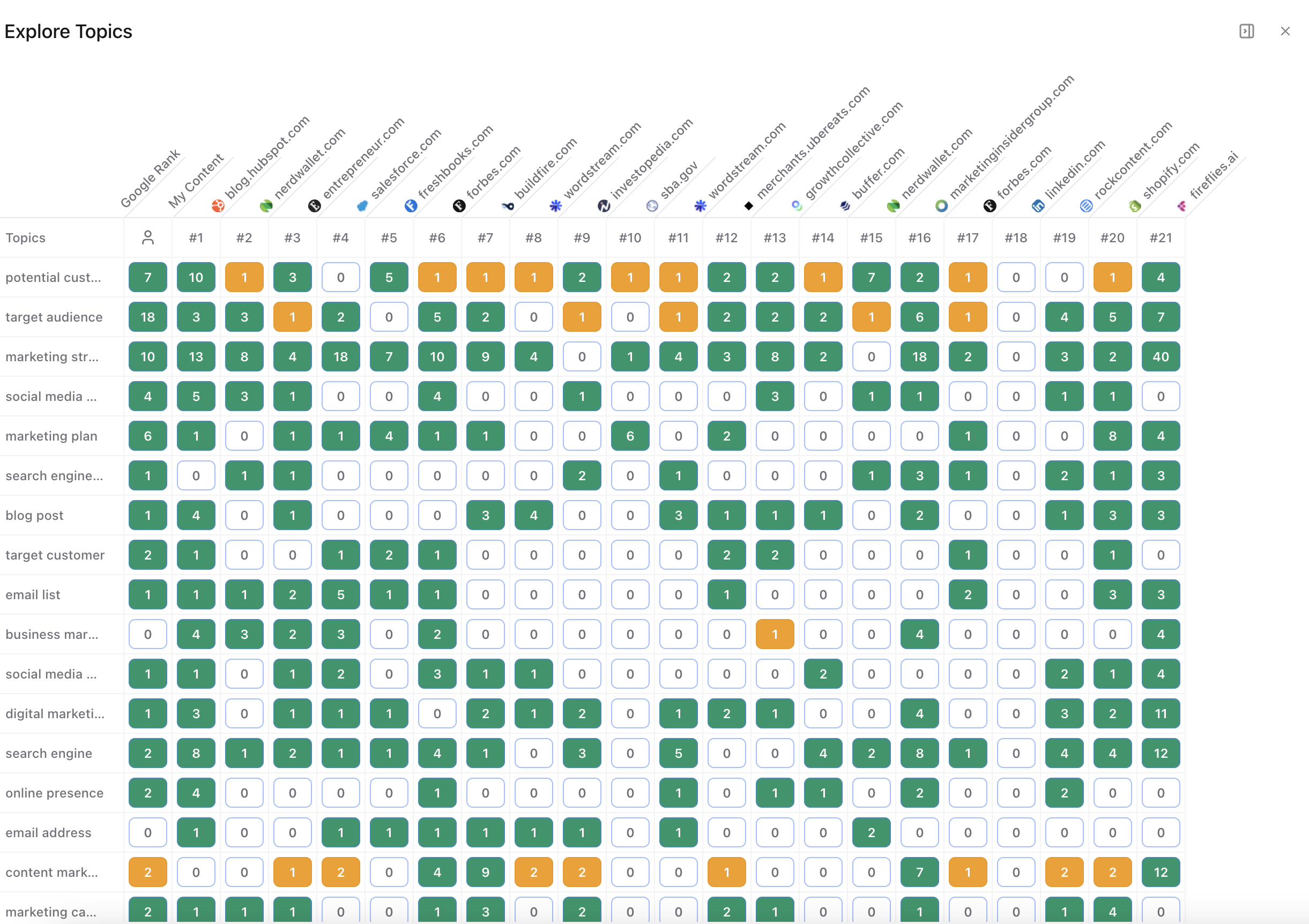
- What topics keep showing up across ranking pages (baseline coverage expectations).
- What questions users ask (especially People Also Ask-style questions that shape sections and FAQs).
- How competitors structure the page (what comes first, what’s grouped together, what’s repeated).

Beginner mistake to avoid: copying the SERP’s structure without asking “what’s missing?” Your goal is to understand the baseline, then build something more helpful, clearer, or more decision-oriented.
Step 3: Generate a content brief (then make it human)
Once you’ve got SERP context, you want a brief that a writer can actually follow. Even if you’re writing yourself, this step saves time because it locks the plan before you start drafting.

What your brief should include (even as a beginner)
- Target reader: who is this for and what are they trying to accomplish?
- Page job: educate, compare, persuade, troubleshoot, or help decide?
- Angle: what’s your “reason to exist” beyond covering the same headings?
- Section intent: what must each section do (explain, compare, define, prevent mistakes)?
- Must-answer questions: especially the ones users ask repeatedly.
- Constraints: what you won’t claim, what needs verification, what you’ll avoid.

If you want to go deeper on the briefing stage (and avoid shallow briefs), you’ll get more value from the dedicated guide: build a better SEO content brief with Frase.
Step 4: Draft the page (AI is optional; editing is not)
Now write. Whether you draft inside Frase, in Google Docs, or in your CMS, the principle is the same: the first draft is allowed to be imperfect. Your job is to get the structure down and then make it specific.
A practical drafting approach for beginners
- Write the “reader problem” first: one or two sentences that prove you understand why they’re here.
- Fill sections with concrete examples: not just definitions.
- Add decision criteria: “choose X if…” beats generic advice.
- Trim repetition: AI drafts and beginner drafts both tend to repeat themselves.
Here’s the candid caution: AI drafting can produce content that reads smoothly while being thin or loosely accurate. If you publish it as-is, you might ship faster—but you’ll also ship trust problems faster.
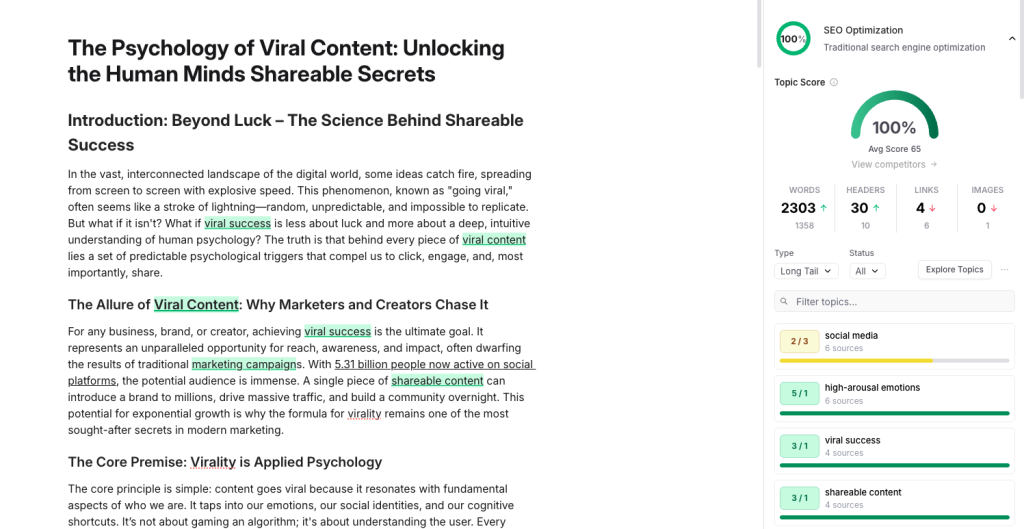
Step 5: Use optimization guidance without score-chasing
Optimization is where beginners can accidentally ruin a good article. The goal is not to “hit a number.” The goal is to reduce obvious gaps and improve clarity.
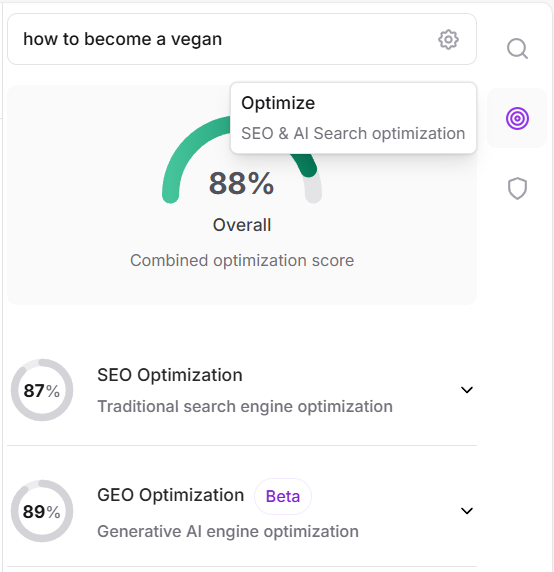
How to optimize like a human editor
- Fix missing sections first (big coverage gaps), not missing terms.
- Add context and definitions where a beginner reader would get lost.
- Use terms naturally inside useful sentences—don’t stuff them into awkward phrases.
- Ignore irrelevant suggestions if they don’t serve the intent or your angle.
- Stop early if your edits start making the page longer but less clear.
Step 6: QA before you publish (the checklist that actually protects quality)
Before you publish, do a quick QA pass that has nothing to do with scores:
- Intent check: does the page match what the query expects?
- Skimmability: can a reader get the answer in 20 seconds?
- Specificity: do you include examples, thresholds, and “if/then” guidance?
- Accuracy: are claims verifiable and not overly confident?
- Original value: what did you add that isn’t just “SERP summary”?
A softer human verdict: if your QA checklist is solid, Frase becomes a helpful assistant. If your QA checklist is absent, Frase (or any tool) can make it easier to publish content you’ll later need to rewrite.
Common beginner mistakes (and how to avoid them)
Mistake 1: Treating Frase as a “write it for me” tool
Use it to plan and improve. Don’t outsource judgment.
Mistake 2: Forcing every suggested topic into the article
Coverage isn’t completeness if it hurts clarity. Prune aggressively.
Mistake 3: Writing for a score
Scores are a signal. Readers are the outcome.
Mistake 4: Skipping the brief
The brief prevents rewrites. It’s the cheapest discipline you can buy.
Mistake 5: Forgetting the update workflow
Frase can be just as useful for refreshing old pages as it is for creating new ones—especially if you treat updates as a system, not a panic response.
How to tell if Frase is actually helping (week 1 vs week 4)
Beginners often judge tools too quickly. Here’s a calmer way to evaluate.
Week 1 signs it’s working
- You spend less time staring at a blank page.
- Your outlines feel more structured and less guessy.
- You catch obvious missing questions/sections before publishing.
Week 4 signs it’s working
- Briefs are more consistent across writers and content types.
- You do fewer major rewrites because the plan is clearer upfront.
- Refreshing older content becomes systematic instead of reactive.
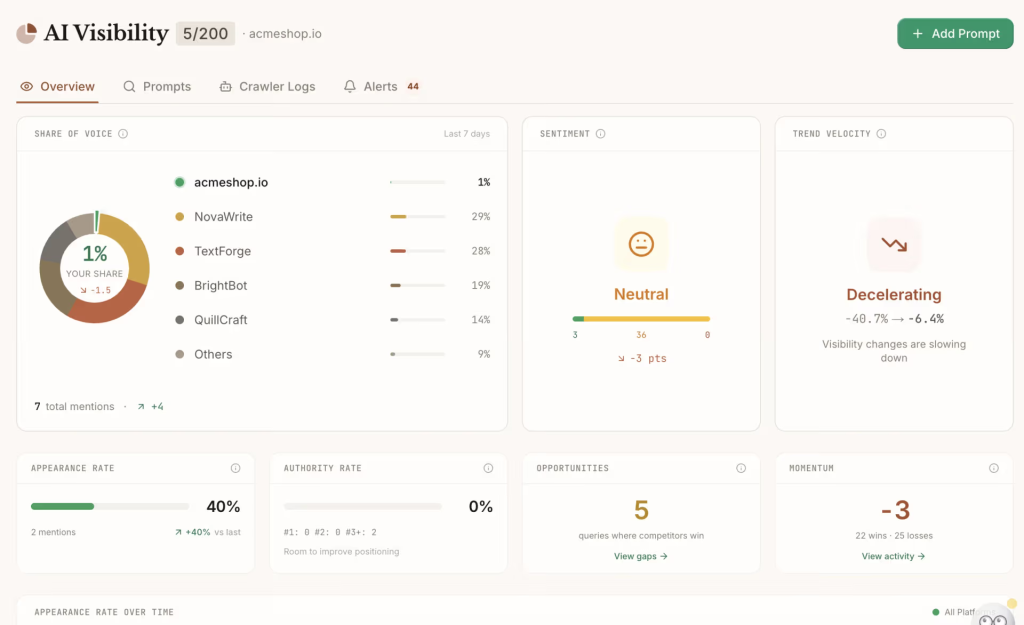
If you’re already thinking about AI visibility and GEO style concerns, treat it as an add-on question, not the foundation. Here’s a grounded reality check to help you decide whether it’s relevant right now: assess whether AI visibility tracking is relevant for you.
Frequently Asked Questions
Do I need SEO experience to use Frase?
Not necessarily. The bigger requirement is editorial discipline: knowing what your reader needs, writing clearly, and using tool suggestions as guidance rather than rules.
Should I write inside Frase or in Google Docs?
Either can work. Many beginners draft wherever they’re comfortable and use Frase for research, briefing, and optimization checks. The best setup is the one that keeps your workflow consistent.
How do I avoid “AI-flavored” content?
Add specificity: examples, constraints, decision criteria, and real-world context. Then edit for repetition and vague claims. Tools can help you cover a topic; they can’t automatically make the writing feel earned.
Next step
If you want to keep the momentum, the next move is simple: repeat this workflow on one real keyword you plan to publish this month. Don’t try to learn everything in one sitting—build the habit.
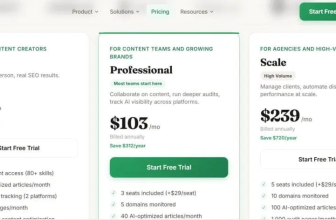
If you’re ready to check plan and trial details (without committing to the biggest tier), here’s the clean next step: check the current Frase plan options.