

If you’re searching for the best SEO content optimization tools in 2026, you’re probably feeling the same friction most teams feel right now: content is harder to win with, publishing pressure is higher, and “optimize” has become a catch-all word that doesn’t tell you what the tool actually does day to day.
So this roundup is workflow-first. Not “top tools” fluff. I’m going to tell you what each tool is for, who it fits, and where it tends to disappoint—because the fastest way to waste money is buying a tool that solves a problem you don’t actually have.

One observed reality: teams aren’t short on ideas. They’re short on repeatable processes that turn an idea into a publishable page without three rounds of rewrites.
My stance: the best tool is the one your team keeps using after the trial month—because it reduces friction, not because it promises magic rankings.
How I’m evaluating the “best” SEO content optimization tools
Instead of pretending there’s one winner, I’m using criteria that map to real work:
- Research and briefing support: does it make SERP research and outlining faster (without making briefs shallow)?
- Editor experience: does writing/editing inside the tool feel natural, or does it fight your process?
- Optimization guidance quality: does it help you improve clarity and coverage—or push you into score-chasing?
- Team usability: does it work for multiple writers/editors without chaos?
- Refresh workflows: can it help you update existing pages systematically?
- Value and adoption: is it likely to become shelfware, or will it earn its place weekly?
The narrative turn most buyers need: you’re not buying “SEO.” You’re buying a workflow layer that either speeds you up—or creates a new kind of busywork.
7 best SEO content optimization tools in 2026 (by workflow fit)
1) Frase
Best for: teams that want a repeatable workflow from SERP research → brief → outline → optimization, especially when briefs and consistency are the bottleneck.
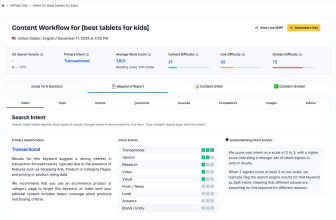
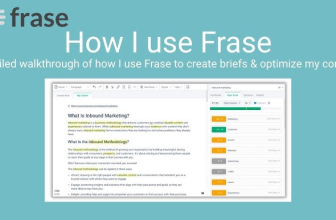
Where it shines: turning SERP patterns and questions into a usable plan, then using optimization as coverage QA (not just “hit a score”). It’s also a strong fit for refresh workflows when you’re updating older pages regularly.
Watch-outs: if your only goal is fast AI drafts, Frase may feel like more “process” than you want. And like any optimization tool, it can be misused if you treat suggestions as mandatory.
If you want the full, practical evaluation—who it fits and who should skip—start here: see whether Frase fits your workflow.
2) Surfer SEO
Best for: teams that want an editor-first optimization workflow—strong guidance while drafting and editing, and consistent on-page QA at production speed.
Where it shines: the content editor experience. If your team needs a prescriptive environment that pushes writers toward structure and term usage targets, Surfer often feels “tight” and operational.
Watch-outs: prescriptive editors can quietly encourage writing to the meter. If your editorial standard isn’t strong, you can produce content that looks optimized but reads generic.
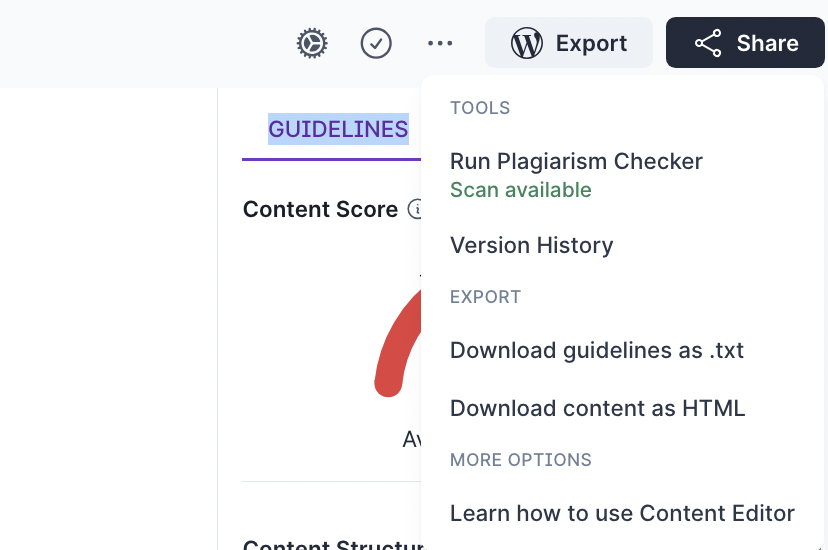
If this is your main decision fork, don’t guess from feature lists: compare Frase vs Surfer SEO for real workflows.
3) Clearscope
Best for: content teams paying for editorial precision and consistency—especially when many writers contribute and you need a repeatable optimization standard.
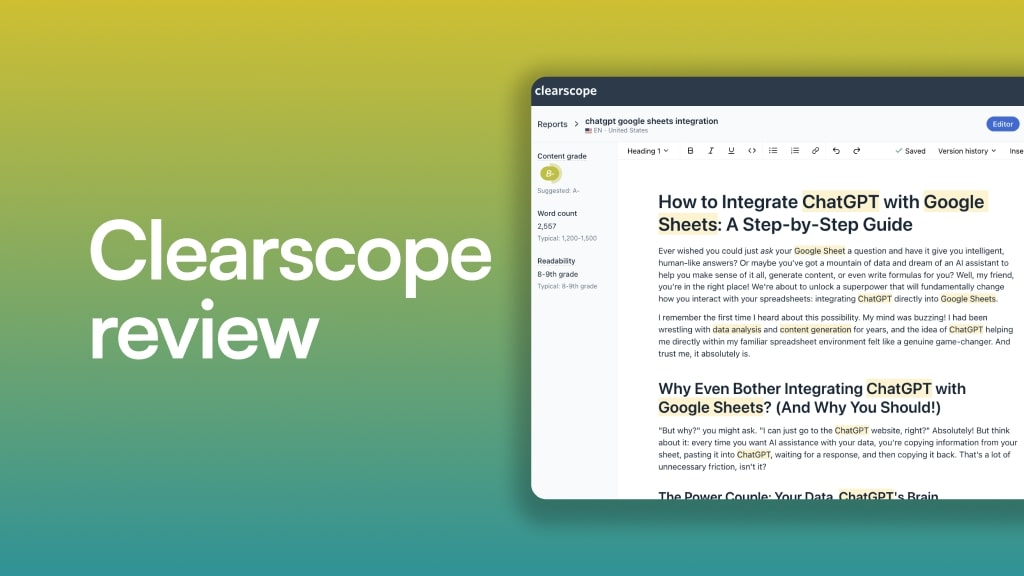
Where it shines: premium optimization workflows and content-library thinking (for teams that maintain and improve content over time). It tends to fit teams with a clear editorial bar and the bandwidth to act on insights.
Watch-outs: premium tools don’t fix messy processes—they expose them. If your biggest problem is unclear briefs or weak editing, paying for precision first can be putting the expensive layer on the wrong part of the workflow.
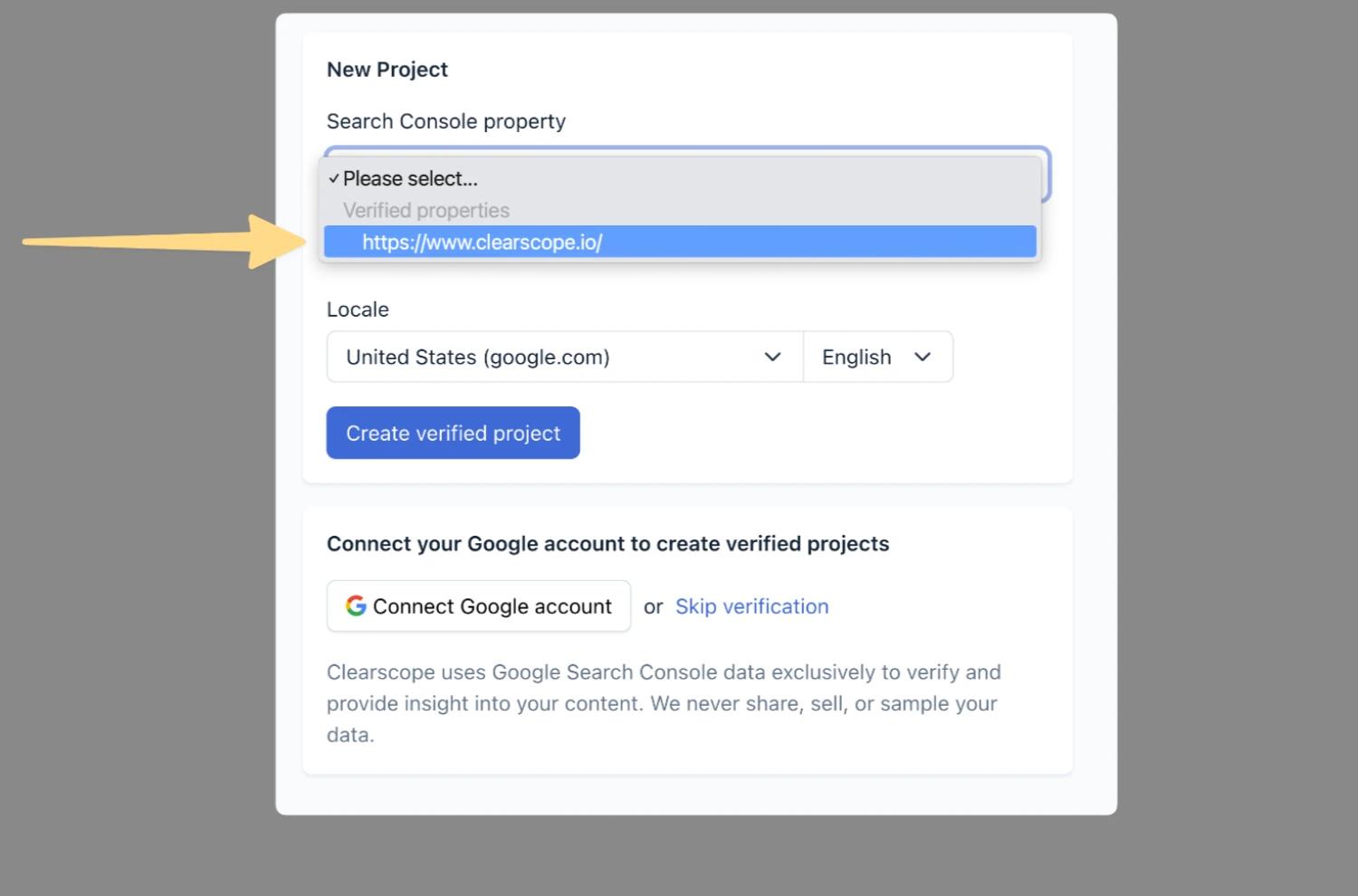
4) MarketMuse
Best for: teams that need deeper strategy signals, planning support, and systematic library improvements—especially when the problem is prioritization and topic coverage over time.
Where it shines: portfolio-level content decisions: what to update, what to create, and where you have topical gaps. It’s a strong fit when you’re operating at the “content program” level, not just page-by-page production.
Watch-outs: it can be overkill for small teams that mainly need faster briefs and a practical optimization checklist. Complexity is a cost.

5) Semrush SEO Writing Assistant
Best for: teams that already live in Semrush (or want a suite-based workflow) and need a practical content checker for readability, SEO guidance, originality checks, and tone alignment.
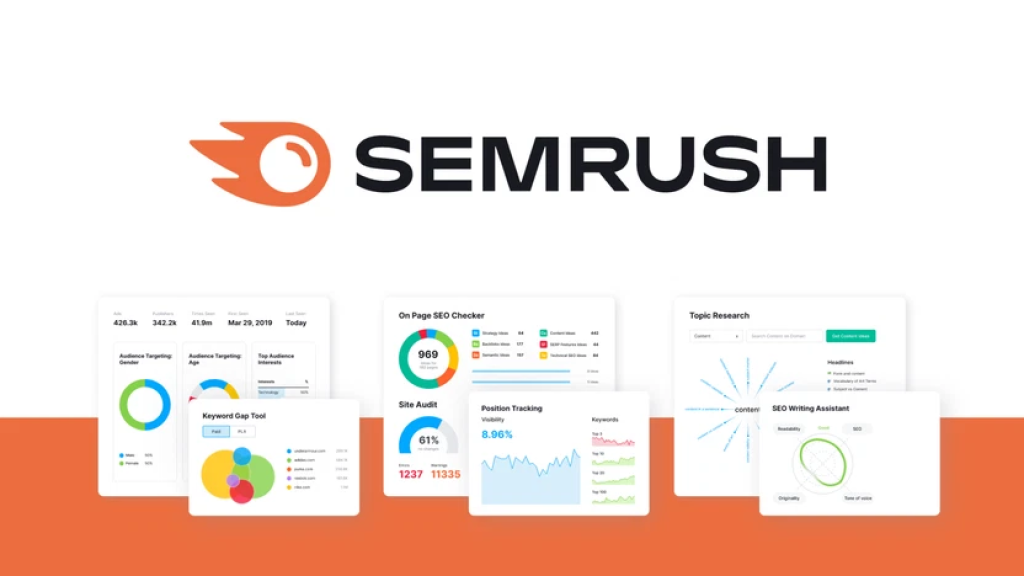
Where it shines: “optimize what you’ve written” workflows—especially if your writers work in Google Docs or WordPress and want feedback inside their existing environment.
Watch-outs: suite tools can be “good enough” across many jobs, but not always best-in-class for research/briefing depth. If your biggest bottleneck is SERP research and briefing, you may want a tool built for that role.

6) Content Harmony
Best for: teams that treat briefs as the core deliverable—agencies, freelancers, and in-house teams that need structured, writer-ready briefs that don’t collapse into generic outlines.
Where it shines: briefing and workflow consistency. If your biggest pain is “writers missed key sections,” a brief-centric platform can pay off quickly.
Watch-outs: depending on your setup, you may still want a separate optimization tool for editing/QA. Brief-first and editor-first tools are different jobs.
7) NEURONwriter
Best for: budget-conscious teams that want a content editor + optimization guidance, and are comfortable running a tighter, more hands-on process.
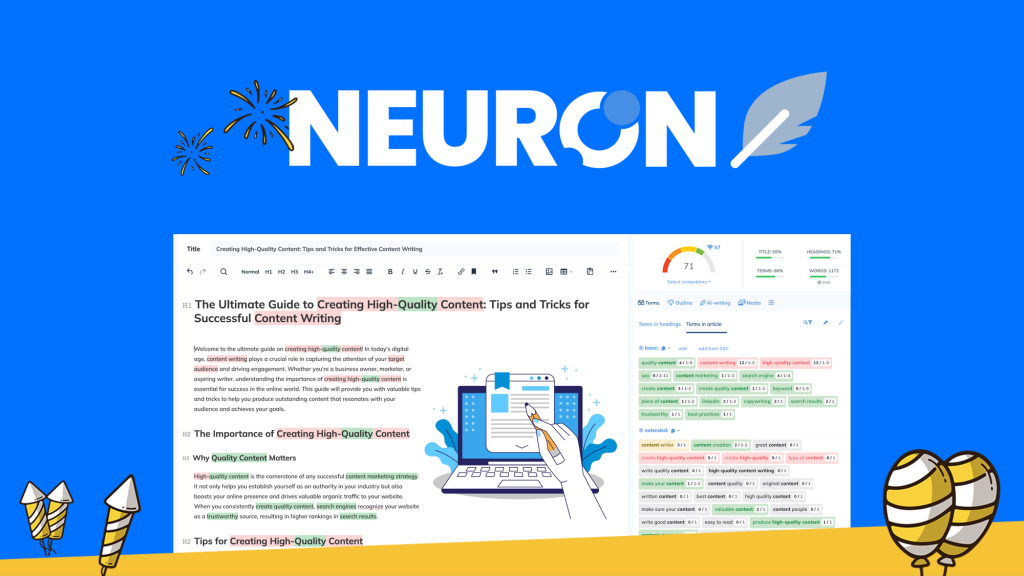
Where it shines: solid on-page optimization support for teams that want guidance without paying premium pricing—especially for solo operators and small teams that can self-edit carefully.
Watch-outs: like most editors, it can encourage “score thinking” if you don’t keep a reader-first bar. Cheap tools also become expensive if they increase rewriting and QA time.
Shortlist by use case (pick the right category, not just a tool)
If you want a fast way to narrow down, here’s the cleanest fit map:
| Your bottleneck | Start with | Why |
|---|---|---|
| Research + briefs take too long | Frase, Content Harmony | They compress SERP research and turn it into a usable writing plan. |
| Editing + on-page QA is inconsistent | Surfer SEO, Clearscope | They lean into editor-first optimization and standardization. |
| Strategy + prioritization across a content library | MarketMuse | It’s built for portfolio-level decisions, not just page-level tweaks. |
| Suite-based workflow and in-doc optimization | Semrush SEO Writing Assistant | Practical if you already use Semrush and want integrated editing support. |
| Budget-friendly content editor guidance | NEURONwriter | Good value when you have strong editing discipline and clear intent. |
Here’s the candid caution: if you trial tools without deciding what they replace, you’re not optimizing. You’re collecting subscriptions.
Where Frase stands out (and when it’s not the best pick)
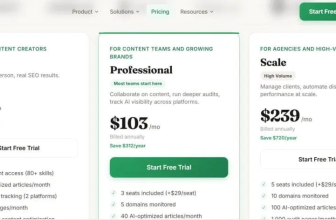
Frase stands out when you want a single workflow to support research, briefs, and optimization—especially for teams shipping content regularly and maintaining older pages.
Frase is not the best pick when your biggest need is a highly prescriptive editor experience (Surfer-style) or premium editorial standardization at scale (Clearscope-style), or when you mainly want rapid draft production (different category altogether).
If you want a deeper, fit-based shortlist beyond this roundup, use compare Frase alternatives by workflow.
Next step
If your shortlist is already down to Frase vs Surfer, don’t decide by feature bullets. Decide by the workflow you’ll actually run every week.
Compare Frase vs Surfer SEO for real workflows.
If you’re leaning toward Frase and want to sanity-check plan fit, you can also check the current Frase plan options.